


Physics 5.0 ready for testing!

At LuGus Studios, we are always pushing the boundaries to offer you the definitive, most realistic FPV drone simulation, so you can rely on Liftoff to develop muscle memory and a sense of flow. To this end, we are proud to announce Physics 5.0, the latest iteration of our physics engine.
Help us with your feedback!
A preview is now available on Liftoff’s experimental branch. We would be very grateful if you could give us your feedback and opinions about it. Does it fly better? Do you have better performance? Is there anything you'd like to see change? You can get in touch with us on Facebook, Discord and on our Steam forums. Thank you for your help!
Physics 5.0 philosophy
Through the years, Liftoff's physics have seen several updates. Physics 3.0 was all about our dynamic thrust model. Physics 4.0 made the aerodynamics simulation better. Physics 5.0 is different. it doesn't add new physics models, but focuses on performances, stability and usability through the rework of some core systems.
Though we are very happy with the state of Liftoff's physics, we suspect that many people do not get to experience them to the fullest extent because of low frame rates. Indeed, Liftoff is a pretty demanding game: a precise simulation comes at a price. With Physics 5.0, we are aiming to have Liftoff run smoothly, and at higher frame rates, even on computers that barely meet Liftoff system requirements.
Flight controller
Liftoff's previous flight controller proved reliable, but also quite performance hungry. It had a high PID loop frequency and made use of intensive digital signal processing techniques. In the grand scale of things, those operations are actually pretty lightweight.
However, they do all rely on sensor input generated by regular updates of the Unity engine's built-in physics, which are heavy at high frequencies. In other words, there wasn't much more we could do, simply because the bulk of performance was lost on a blackbox that we were not at liberty to optimize.
Enter Liftoff Flight Controller, a new, lighter flight controller designed using state-of-the-art Control Theory and Digital Signal Processing techniques to replicate the way your real-life flight controllers work. On top of that, Liftoff Flight Controller comes with a new feature, A.I. PID tune! This new feature, powered by A.I., will make sure your drones always have the best possible PID gains, so that you can focus on your rates and on your flight!

No worries. If you are interested in honing your PID tuning skills, you can still de-activate the A.I. PID tune at any point! However, please note that with this flight controller change, if you don't use the A.I. PID Tune feature, you may find that your old PID Gains need adjustments to once again provide a good flight experience.
Streamlining the physics and engine upgrade
Another big improvement from Physics 5.0 is the way each force is calculated and applied. While the overall physical model remain the same, the output of these forces is not directly handled by the game engine anymore. Instead, it goes through a series of steps meant to ensure the stability of the physics. We also examined all the nooks and crannies of our simulation code to optimize it even further.
Finally, we updated our engine to a more recent version. This was no small task, but it brings several improvements to the physics stability, and to the simulation performances in general. We hope that, together with the new Liftoff flight controllers, this will allow more players to enjoy Liftoff at a higher frame rate, which, in turn, should have the flight feel much more realistic.
Benchmark
It is hard to say exactly how much the frame rate on your specific computer will improve with Physics 5.0. It depends on its specifications, the drivers you use and the software you might be running in the background. We ran our test on a Laptop with the following specifications:
- Intel i7-9750H CPU @ 2.60GHz
- NVIDIA GeForce GTX 1660 Ti (driver version 471.96)
- 16 GB RAM
- 1920x1080 (60Hz) display
- Windows 10
The frame rate - measured by Steam - appears in the top left corner, and is also in the legend of each screenshot for readability purpose. Each screenshot has been taken using the "Fantastic" quality settings with every visual effects on (except fisheye).

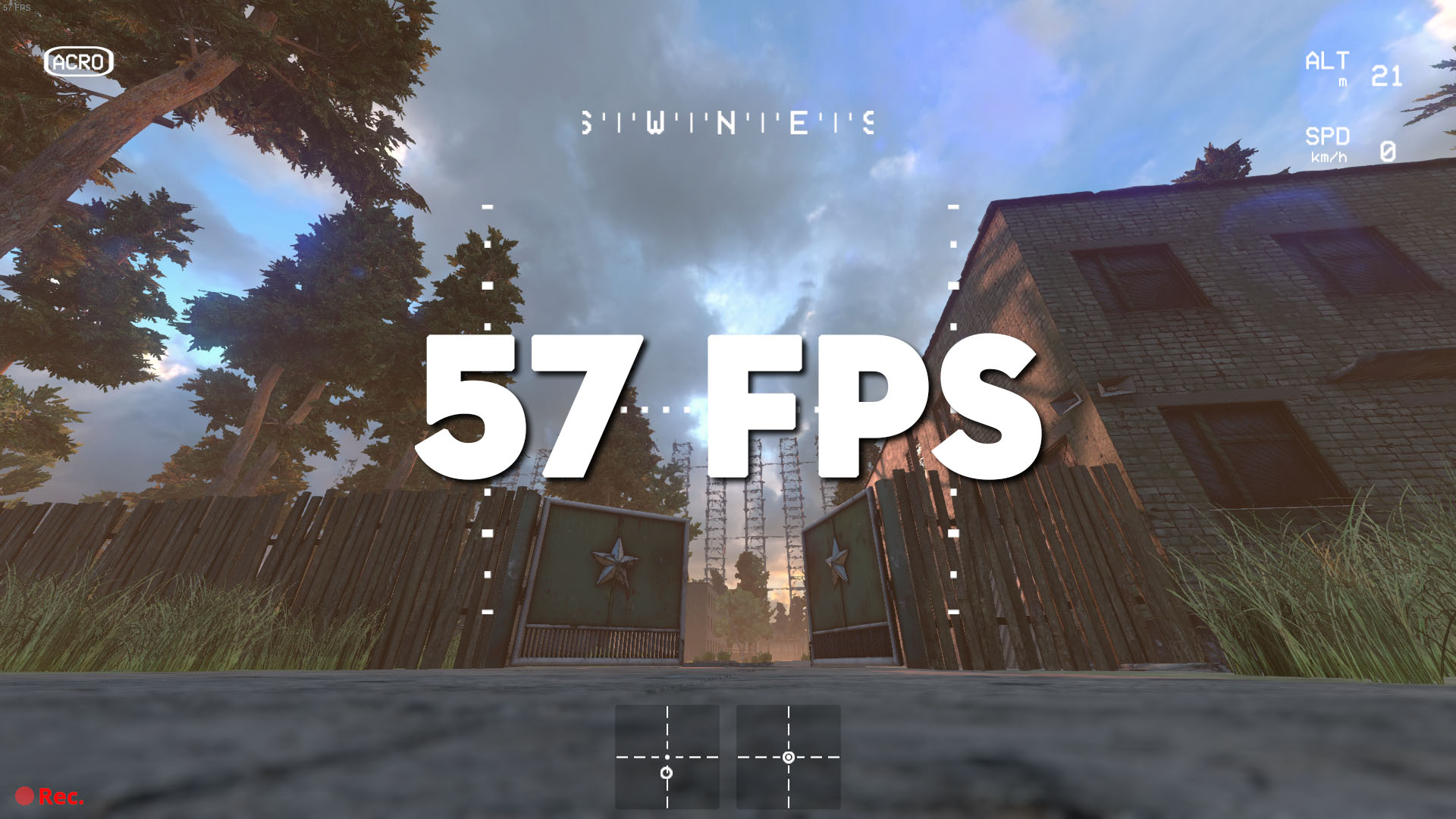
Before: 24 fps Physics 5.0: 57 fps

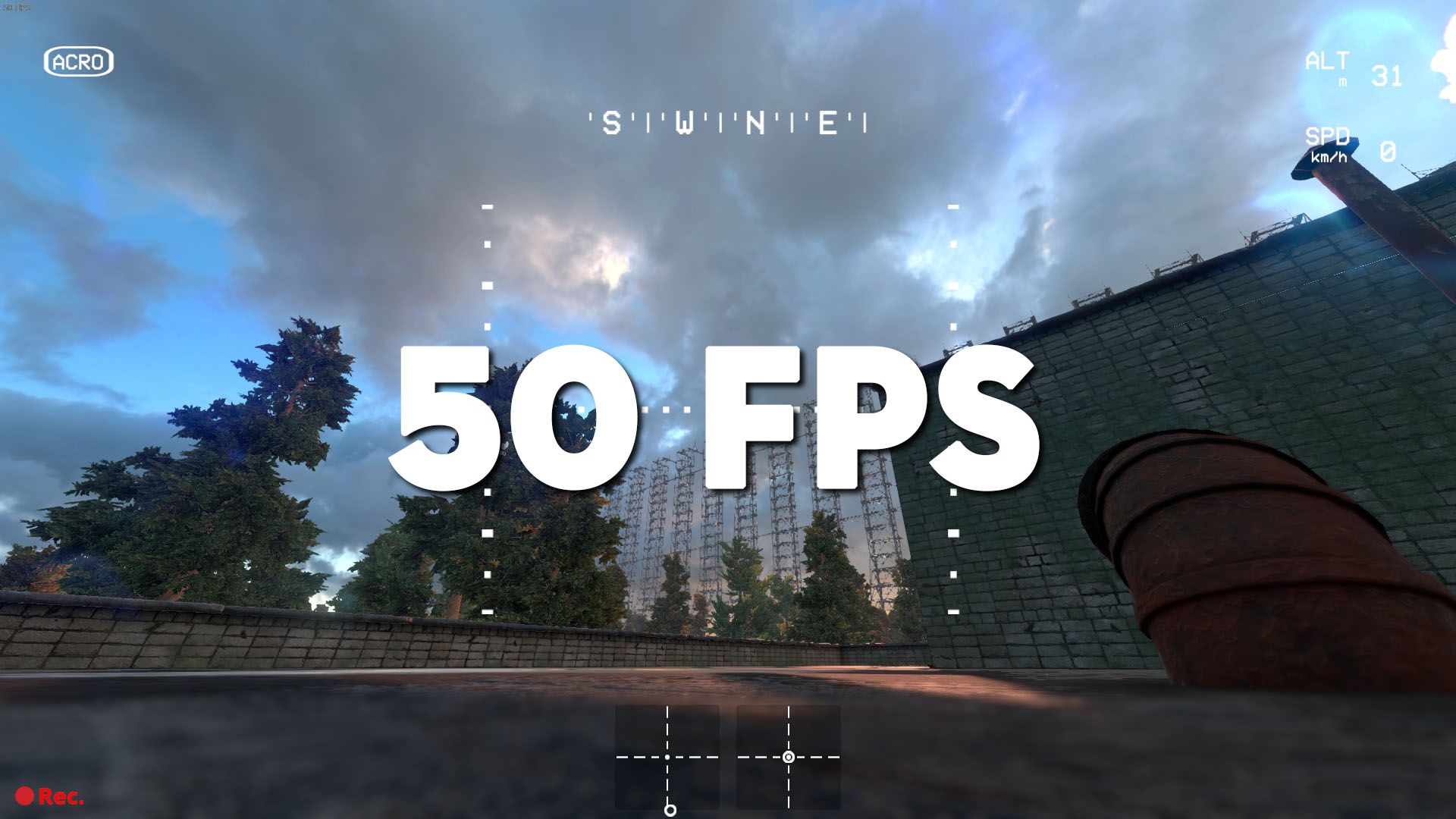
Before: 26 fps Physics 5.0: 50 fps

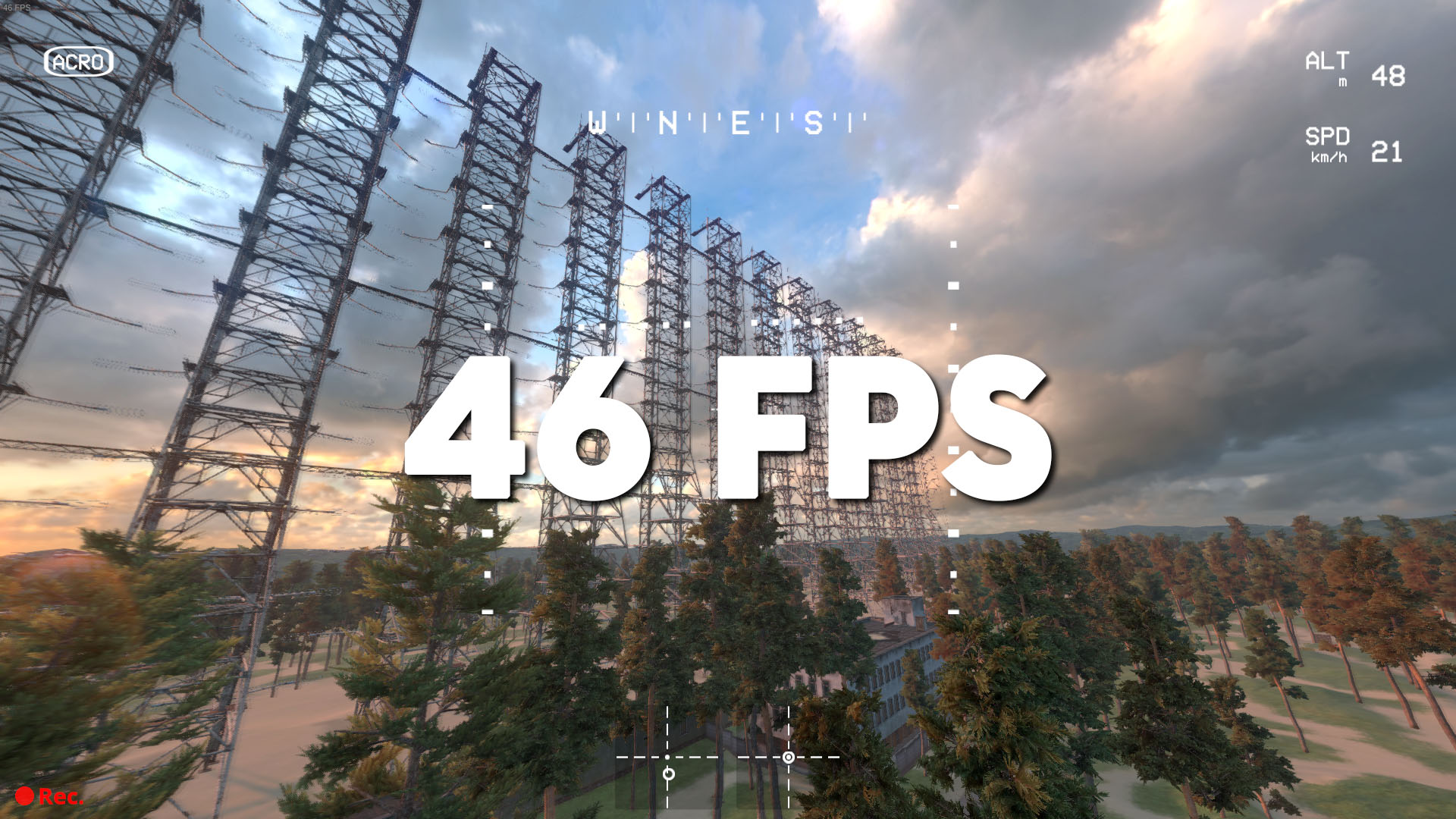
Before: 25 fps Physics 5.0: 46 fps
As you can see, with Physics 5.0, our reasonably capable, mid-range, test computer got a frame rate increase of around 100% in the Russian Woodpecker level, the most demanding level in the game, with maxed out graphics.
We can't wait to know how much your frame rate will increase with Physics 5.0! Let us know on Facebook, Discord or on our Steam forums.